Serenity BDD Report
Home
>
Login
>
User Login Functionality
> Login with wrong password
Overall Test Results
Requirements
Capabilities
Features
Report generated 22-11-2025 23:04
User Login Functionality
1 To 10 Seconds (Duration)
Wrong Password
Login with wrong password
Scenario Outline
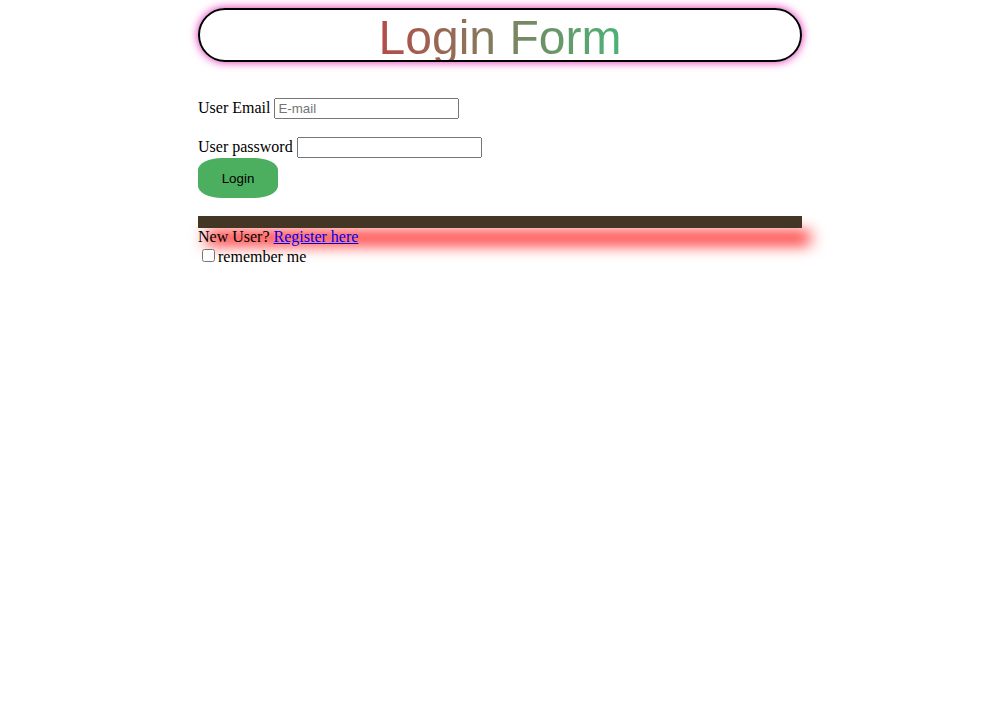
Given the user is on the login page
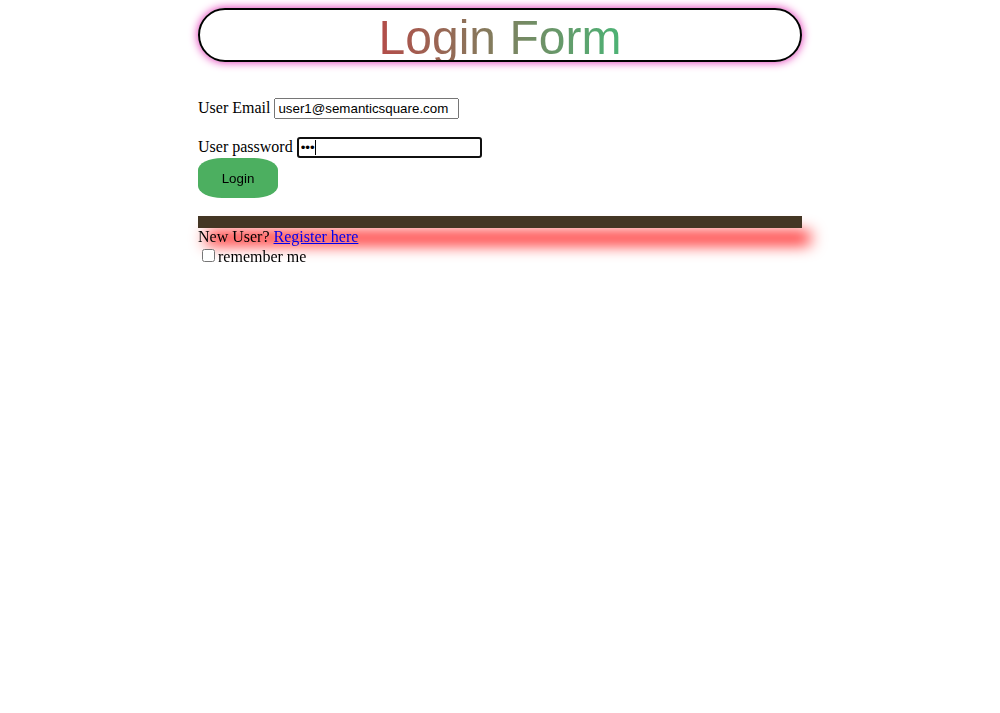
When the user enters email as "<email>" and password as "<wrongPassword>"
And clicks the login button
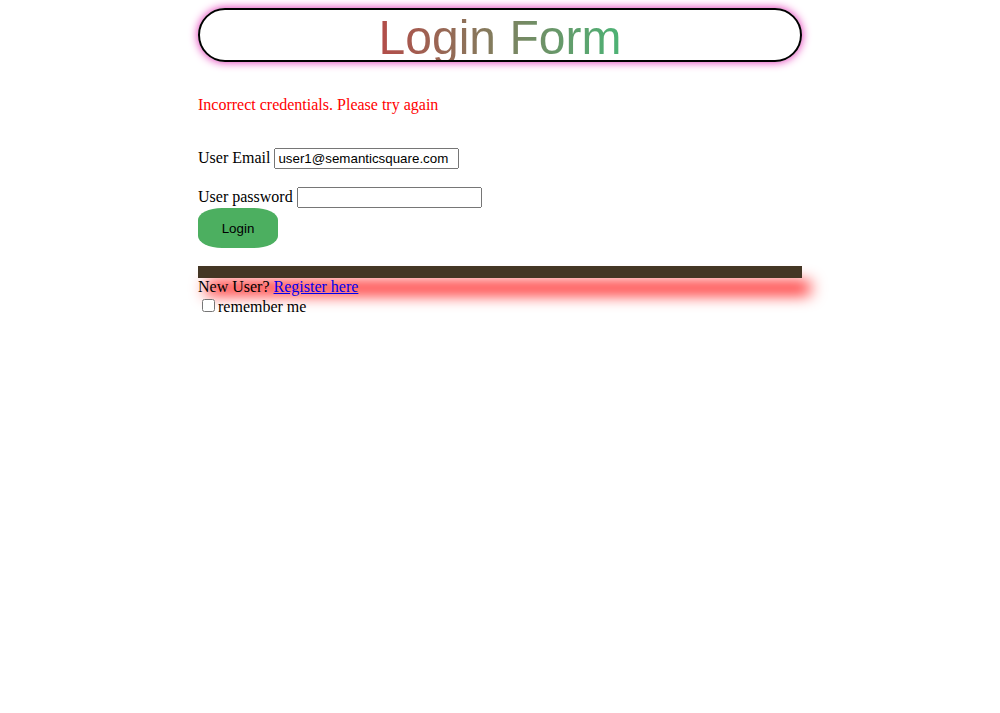
Then the user should be able to see alert message "<errorMessage>"
Examples:
#
Email
Wrong Password
Error Message
1
user1@semanticsquare.com
xyz
Incorrect credentials. Please try again
Steps
Screenshots
Outcome
1: Login with wrong password ({email=user1@semanticsquare.com, wrongPassword=xyz, errorMessage=Incorrect credentials. Please try again})
SUCCESS
2s 168ms
Given the user is on the login page
SUCCESS
718ms
User opens the ThrillioWeb home page
SUCCESS
697ms
When the user enters email as "user1@semanticsquare.com" and password as "xyz"
SUCCESS
216ms
User enters the required credentials
SUCCESS
214ms
And clicks the login button
SUCCESS
1s 200ms
After entering credentials, user clicks login button
SUCCESS
1s 197ms
Then the user should be able to see alert message "Incorrect credentials. Please try again"
SUCCESS
030ms
Alert message for wrong password
SUCCESS
015ms
SUCCESS
2.17s
Serenity BDD version 4.2.30